New Feature - Report Background Generation
people found this article helpful
What is Background Report Generation?
Background Report Generation allows administrators to run reports without having to wait for them to complete before continuing with other tasks in TrainingPortal.
Previously, large reports would open in a separate browser tab and you had to wait for the report to finish generating before you could access the results. With this enhancement, reports are now processed in the background, allowing you to continue working elsewhere in the system while your report is generated.
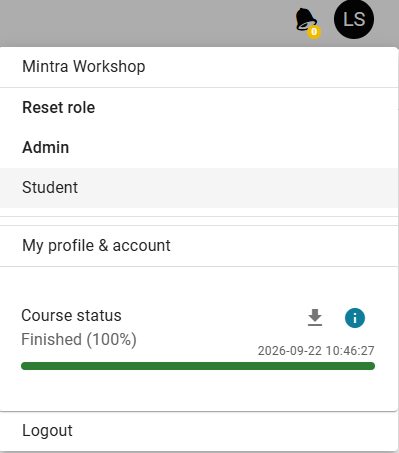
Where Will I Find My Reports?
Once a report has been generated, it will automatically be added to your Processing Tasks list.
To view your reports:
- Click your profile initials in the top-right corner of TrainingPortal.
- Select the Processing Tasks menu from the dropdown.
- View the status of your reports using the progress bar displayed beside each report.
When a report has completed, you will see a notification badge on your profile initials. You can then return to the Processing Tasks list and download the completed report.
What Are the Key Benefits of Background Tasks?
Background Report Generation provides several advantages for administrators:
- Continue working uninterrupted while reports generate in the background.
- Monitor report progress at any time through your Processing Tasks list.
- Receive a notification when your report is ready to download.
- Run larger reports more efficiently without waiting on a separate browser tab.