01. Register an account
people found this article helpful
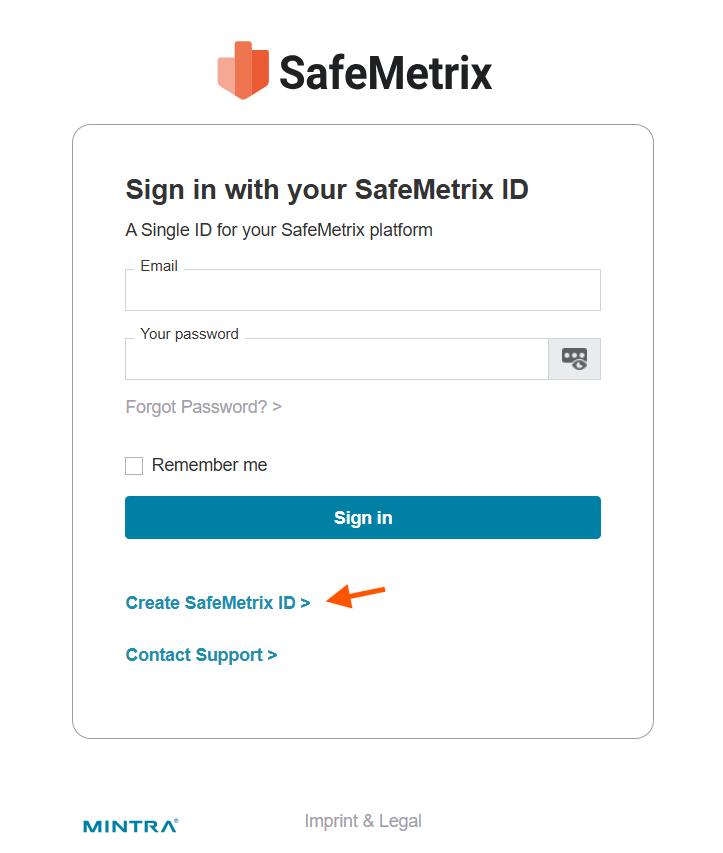
Navigate to ciam.safemetrix.com. To register an account, click on Create SafeMetrix ID.
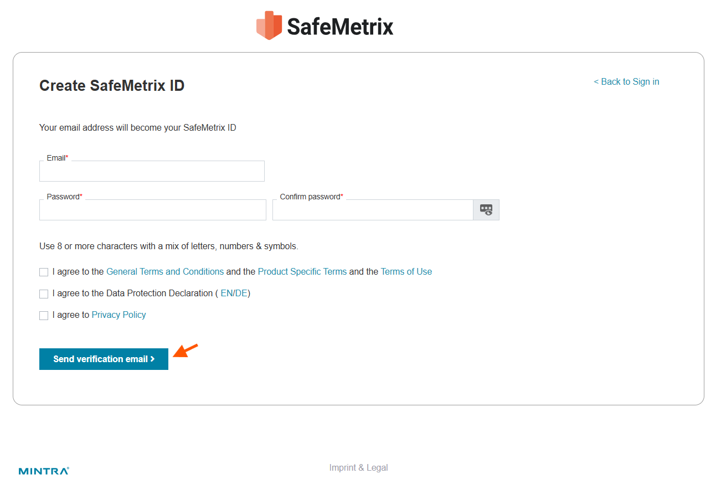
Enter a valid email address and password, then click on the boxes to agree to the service terms (Terms and Conditions, Terms of Personal Data Protection and Privacy Policy and the Cookie Policy).
Click on Send verification email to proceed to the next step.
*Password complexity specifications:
- Password must have at least 8 characters. There is no character limit.
- Password must contain at least one digit.
- Password must contain at least one letter in lower case format and one letter in an upper case format.
- Password must contain at least one symbol: (symbols pool: .,/?!@#$%^&*-+()|><)
- Underscore (_) is also allowed as long as it is not placed as the last character of your password.
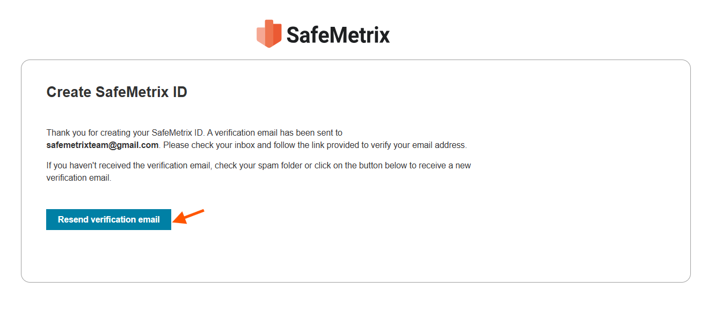
An email titled Verify your SafeMetrix account will be sent to the email provided on the Create SafeMetrix ID page. In case no email is received, check the spam/junk folder or request a new verification email by clicking on Resend verification email.
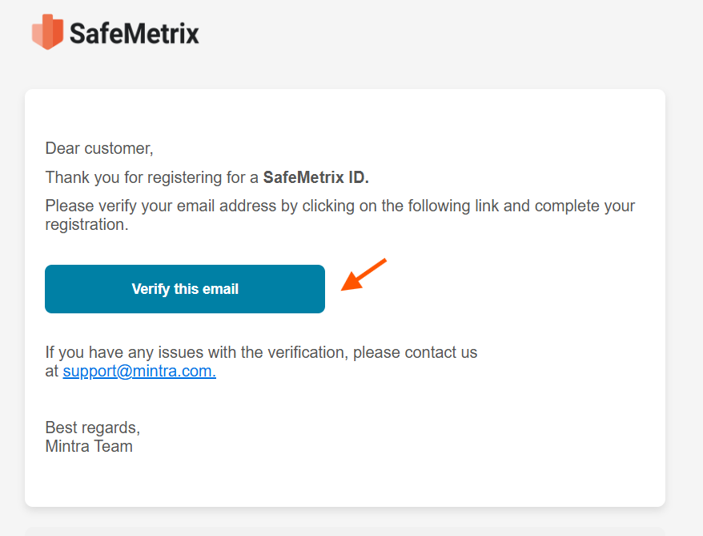
To complete the registration, open the email and click on Verify this Email.
A new page will open to complete the registration.
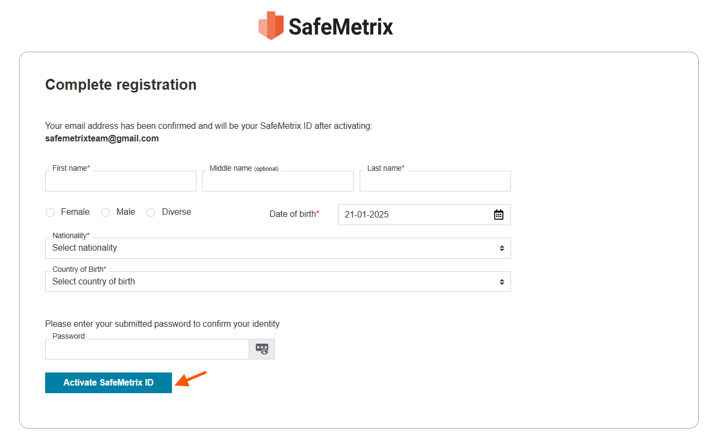
Enter the requested personal details and password. Click on Activate SafeMetrix ID.
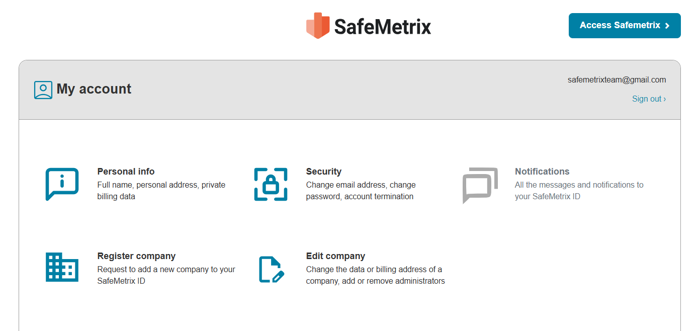
The SafeMetrix ID has been created successfully.
Note: All fields marked with the * symbol are mandatory.
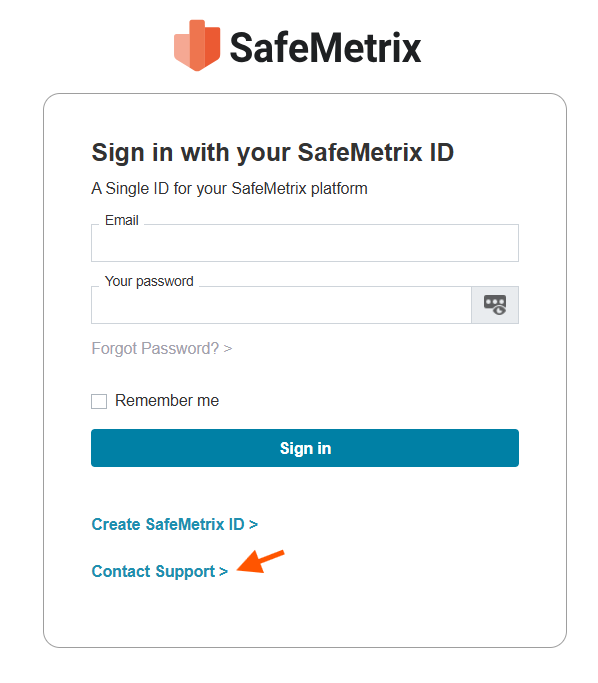
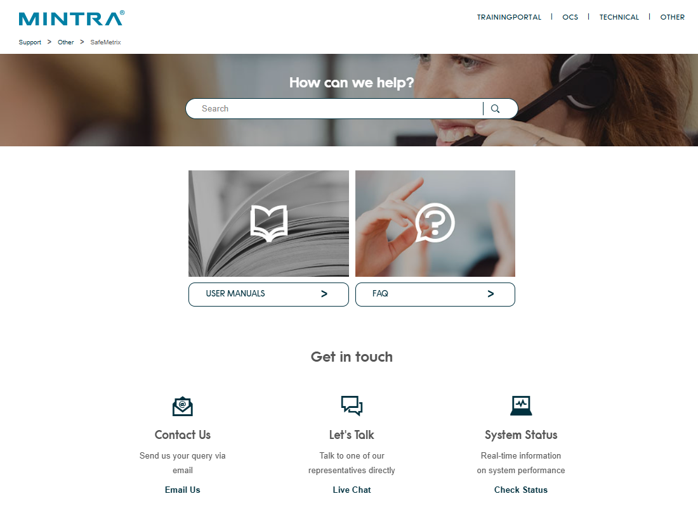
Note: In case the email is not received in the inbox or junk/spam folder, contact us by clicking on Contact Support at the bottom of the Sign in with your SafeMetrix ID page.