02. Forgot Password
people found this article helpful
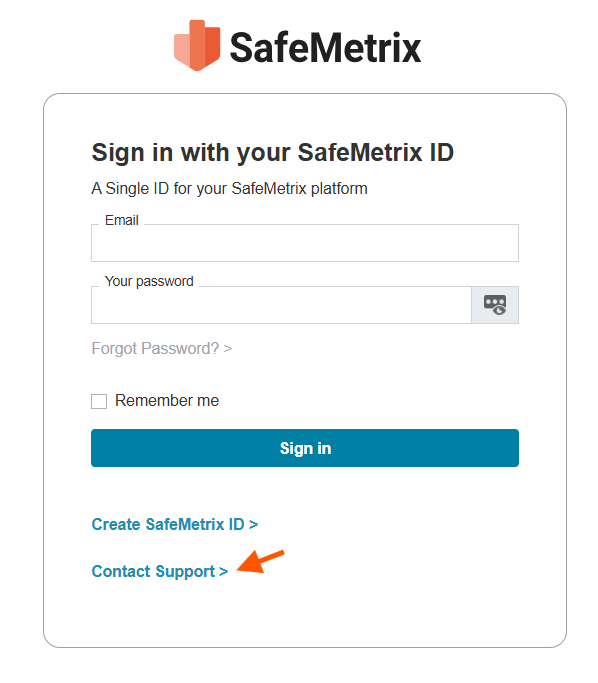
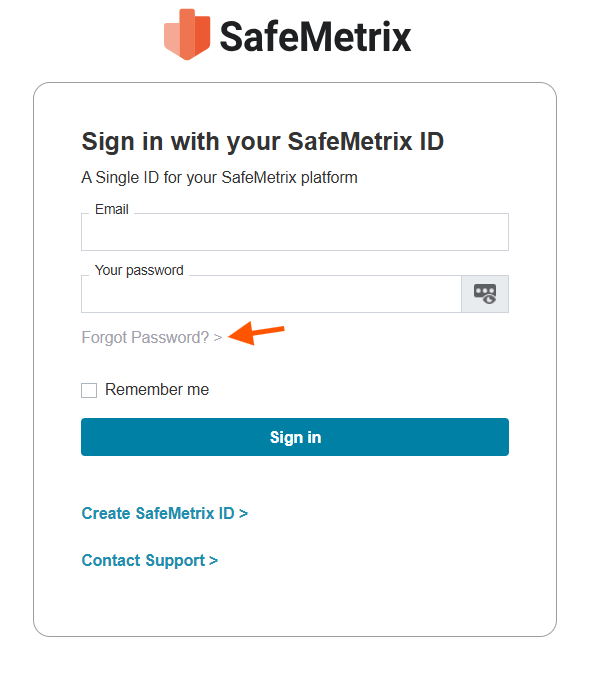
When signing in, if the password is lost or forgotten, click on the Forgot Password button.
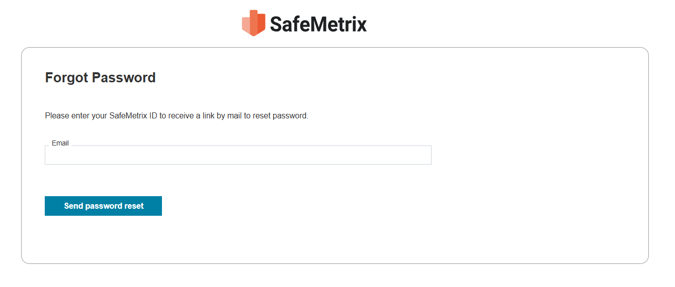
Enter the email address and click on Send password reset.
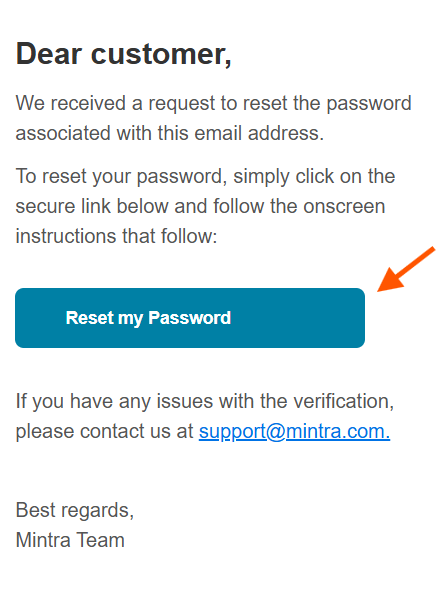
An email titled Forgot password is sent. In case no email is received, check the spam/junk folder.
When the email is received, click on Reset my Password.
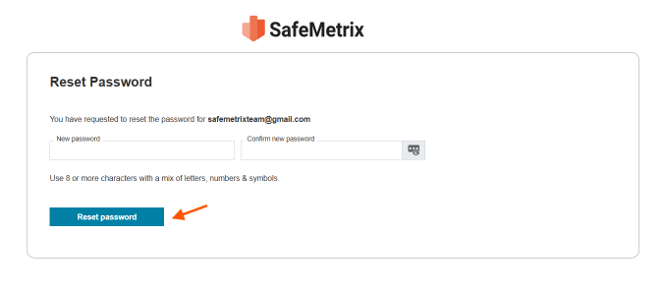
A new page will open where the new password should be entered. Type in the New password and Confirm new password fields and click on Reset password.
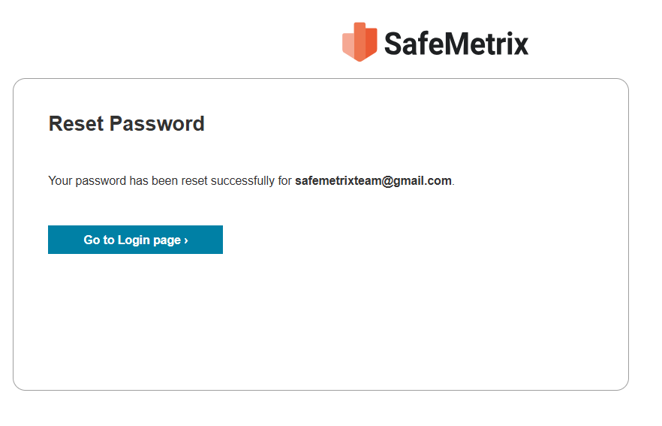
The password is successfully reset. Click on Go to Login page to sign in.
In case more assistance is required, contact Mintra Support at support@mintra.com or click directly on Contact Support at the bottom of the Sign in with your SafeMetrix ID page.