03. Orders Overview
people found this article helpful
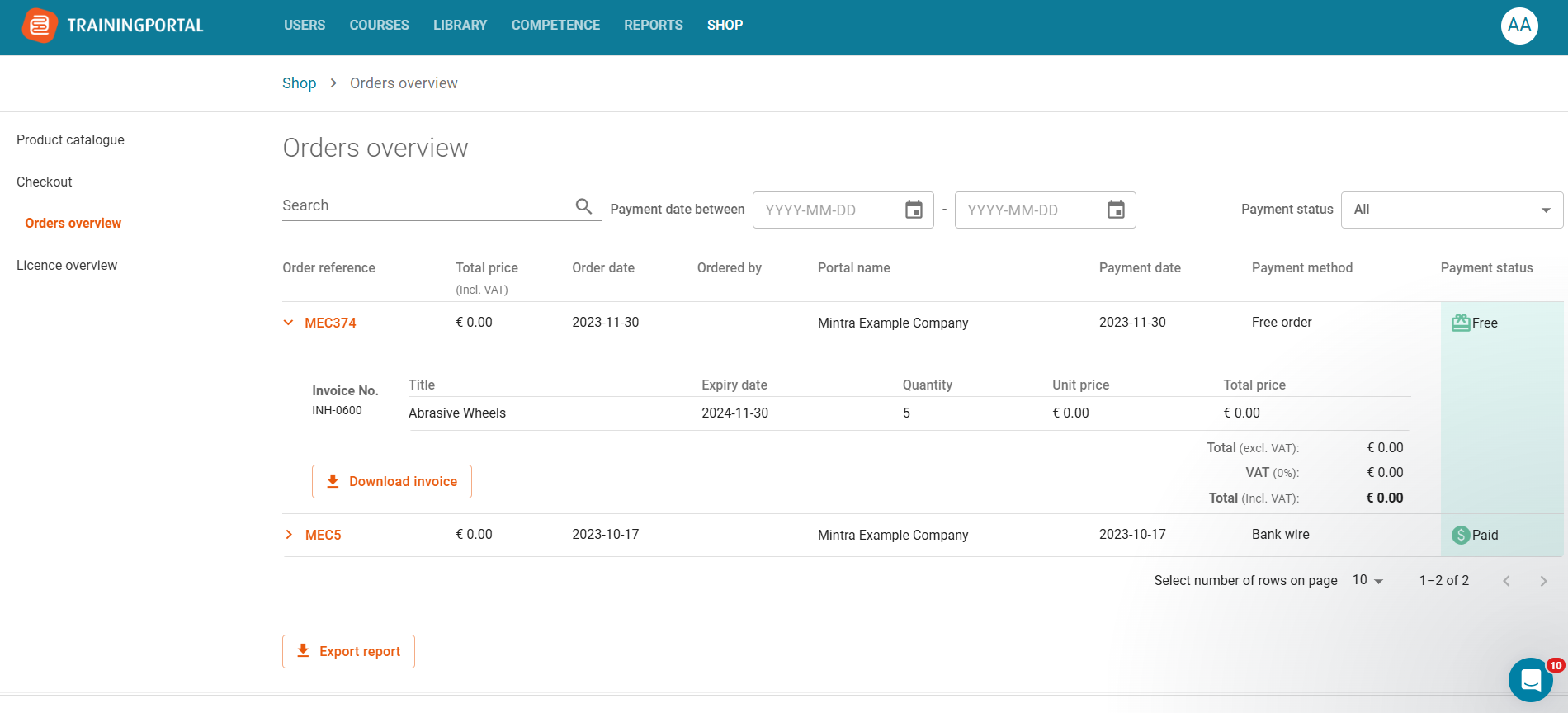
The Orders Overview page provides a complete history of all your purchases.
To view more details, simply expand any order. From there, you can also download the corresponding invoice.
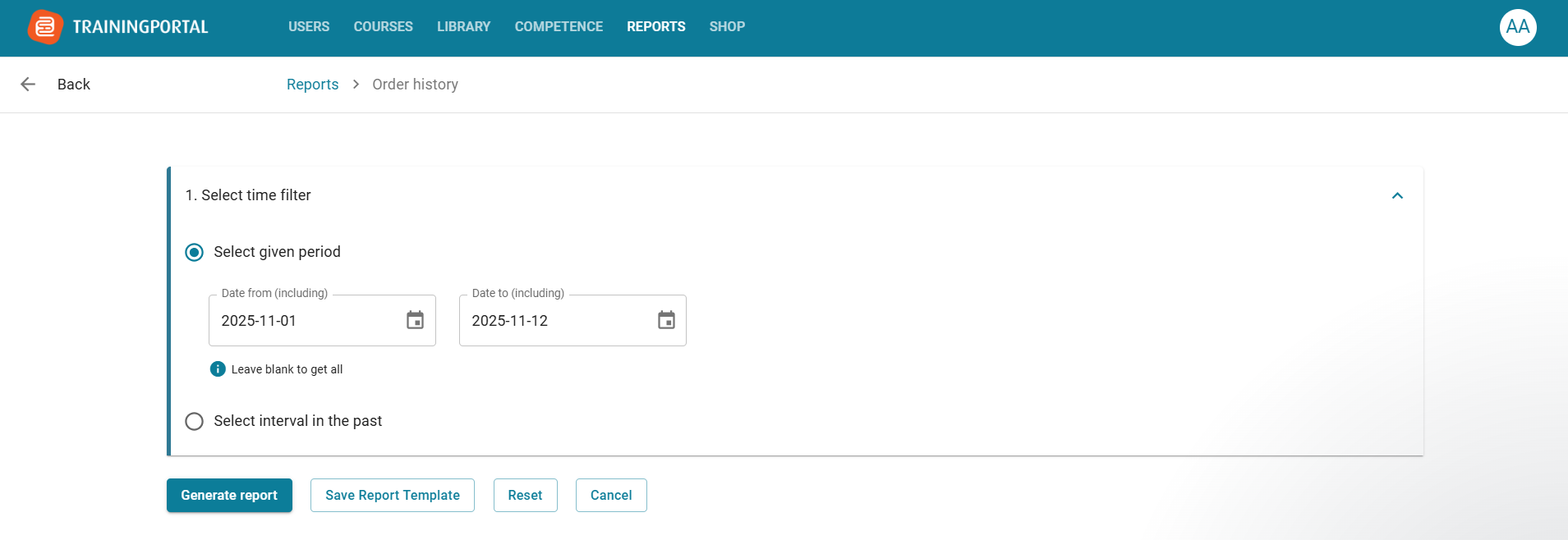
You can export orders from a specific date range by selecting the start and end dates in the “Select given period” section. Click “Generate report” to confirm.
The exported file will include only the orders from the selected period.